
Modern SSH Workspace
Manage multiple remote servers with split terminals, SFTP browser, and powerful workspace organization. Built for developers, sysadmins, and DevOps engineers.
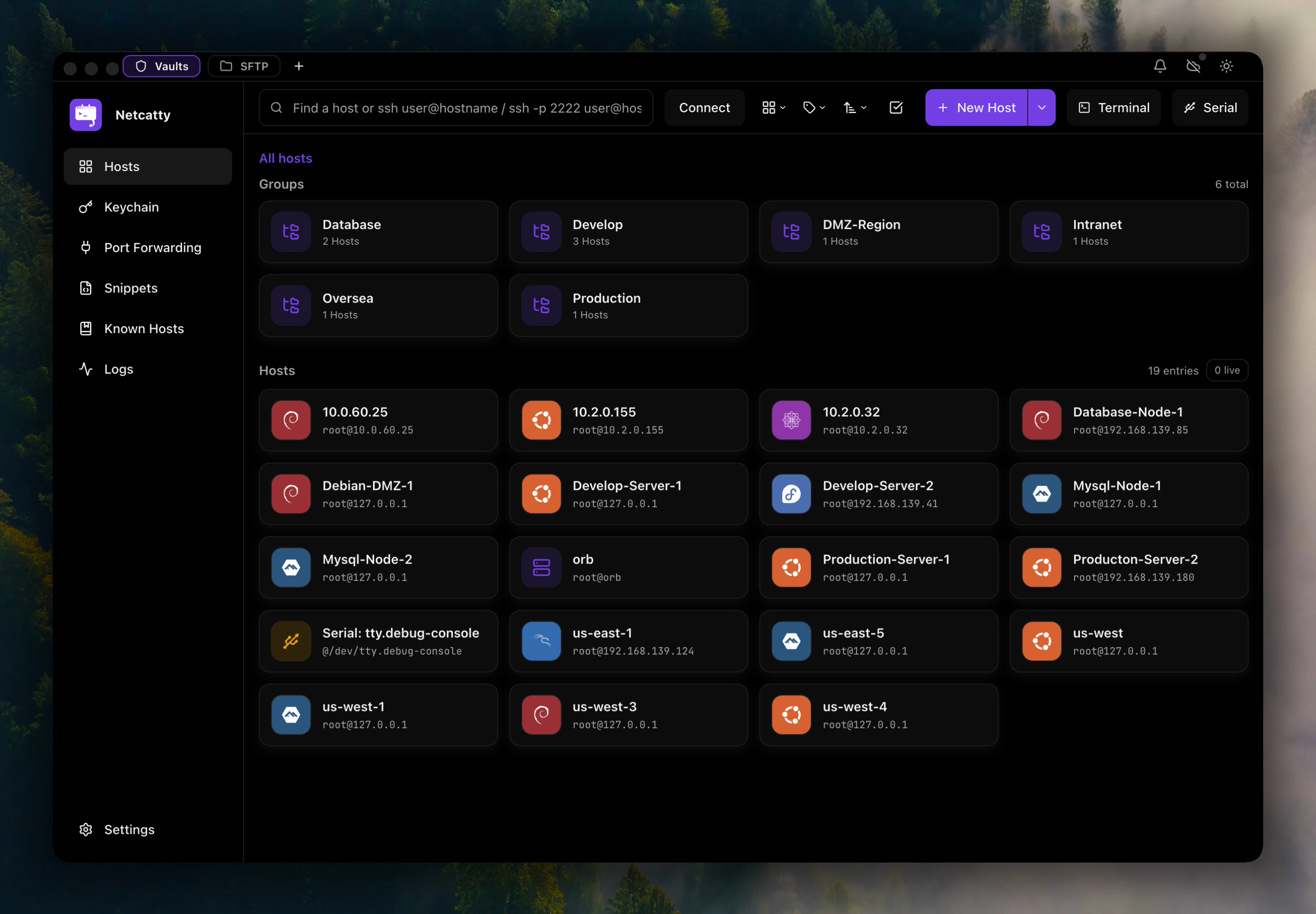
Everything you need for SSH workflows
Netcatty combines powerful terminal management, file transfer, and workspace organization in one beautiful desktop app.
Multi-Protocol Support
Vault Organization
Split Terminals
SFTP Browser
Port Forwarding
Custom Themes
Quick Start
Get up and running with Netcatty in minutes
Download and Install
Add Your First Host
- Hostname: Your server’s IP or domain
- Port: SSH port (default 22)
- Username: Your SSH username
- Authentication: Choose password or SSH key
Connect and Explore
- Split panes: Right-click the terminal tab → Split Horizontal/Vertical
- SFTP: Click the folder icon to browse remote files
- Port forwarding: Access the Port Forwarding panel to create tunnels
Explore by Topic
Dive deeper into Netcatty’s capabilities
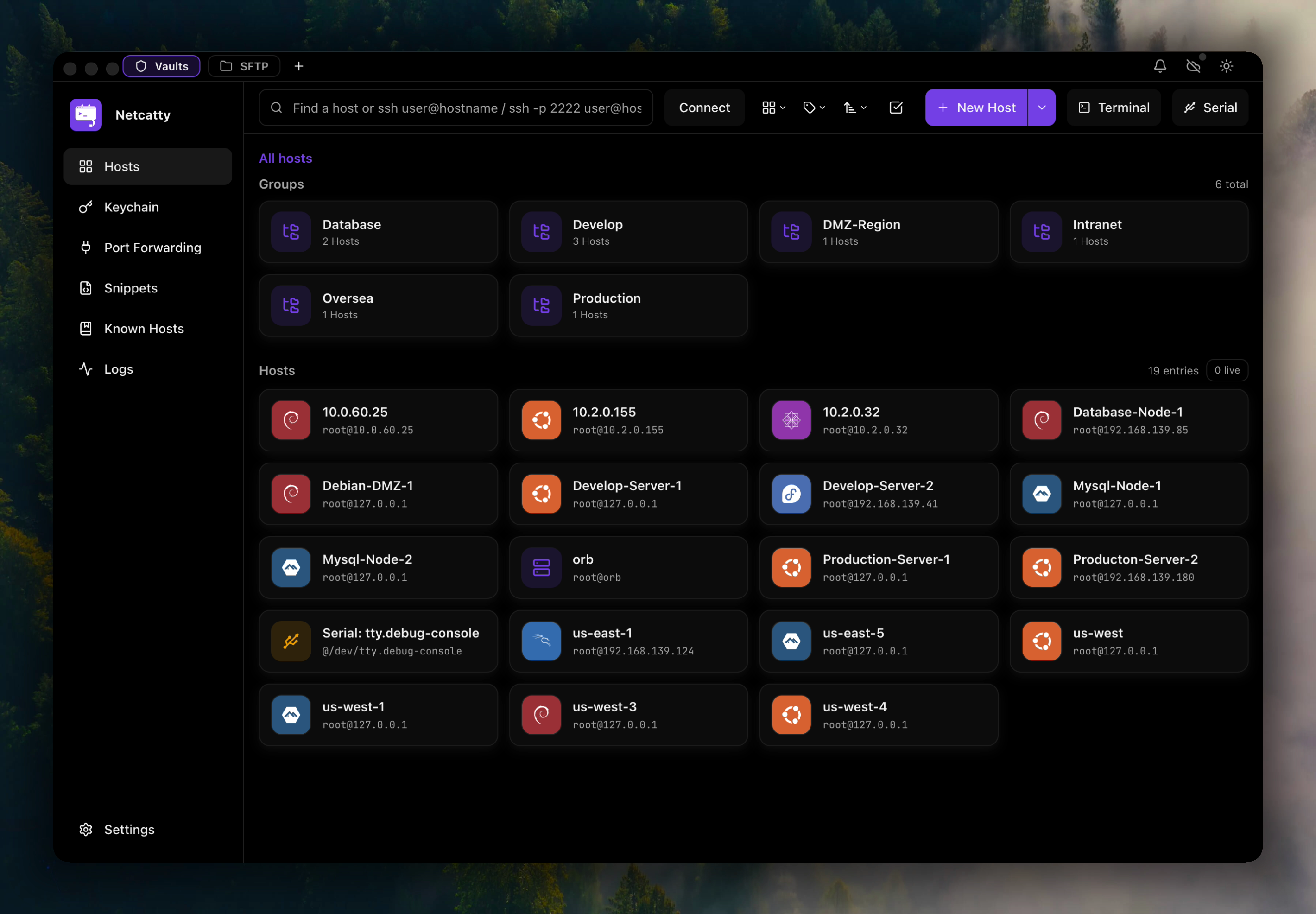
Host Configuration
Learn how to configure hosts with advanced options like jump servers, proxy support, and environment variables.
Authentication & Security
Manage SSH keys, certificates, and credentials securely with the built-in keychain manager.
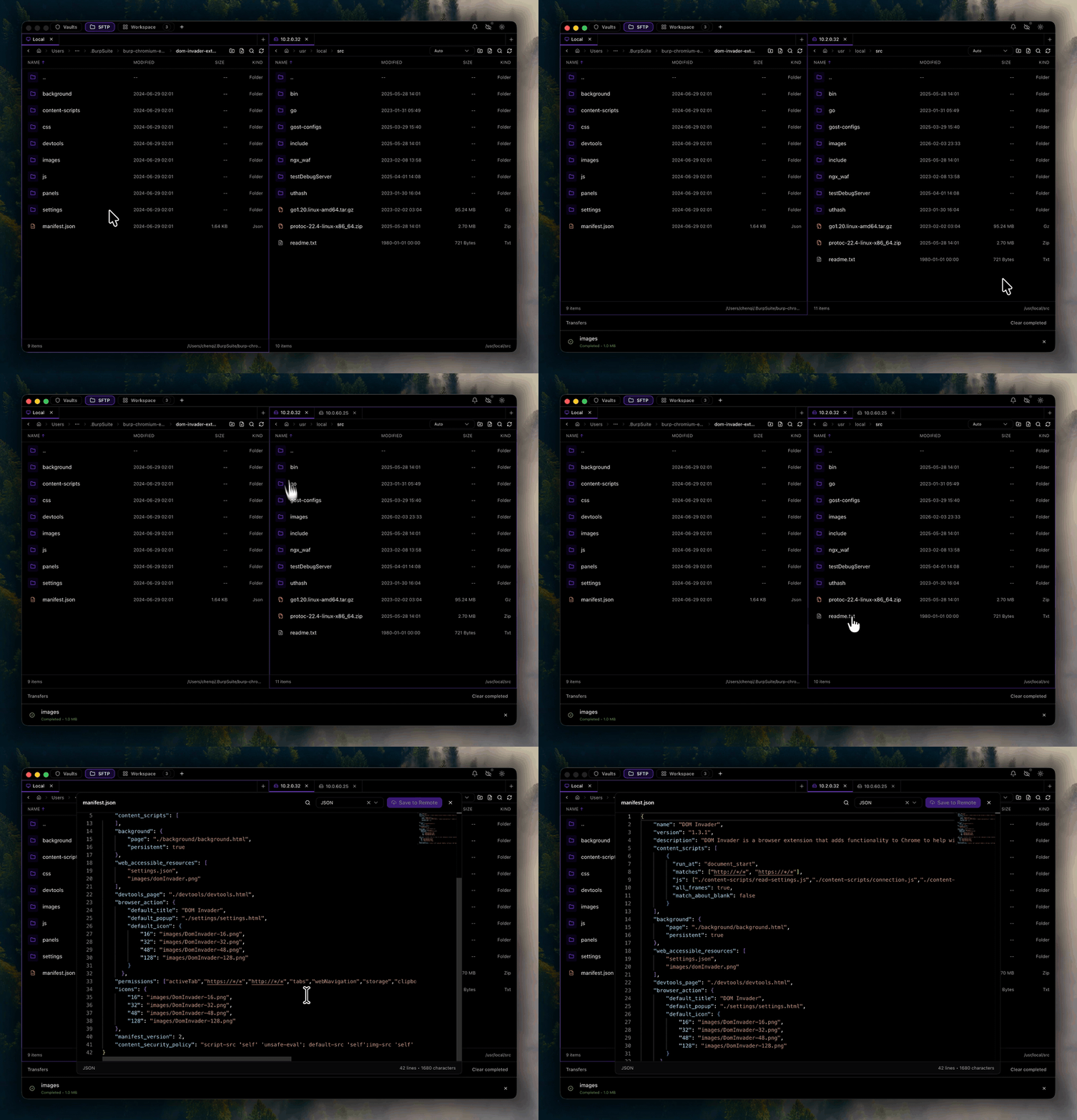
SFTP File Management
Transfer files with drag-and-drop, edit remotely with the built-in editor, and manage permissions.
Cloud Sync
Sync your configuration across devices with GitHub, Google Drive, OneDrive, or S3.
Resources
GitHub Repository
Architecture Guide
Ready to streamline your SSH workflows?
Download Netcatty and start managing your remote servers with powerful workspace features.
Get Started Now